Clients
A client represents a legal entity: an organization with whom Fulcrum does business.
- A Client has one or many Users, who can log in and do work for the Client
- When Users upload Files for the Client, the files are owned by the Client, too
- All of a Client’s users can see each others files
- If a client is deleted, all of its users and all of its files are deleted, too
graph LR;
client(Client)--has many-->users(Users)
files[Files]
users--upload many-->files
users--can see all client-->files
files--are owned by-->client
Creating clients and users
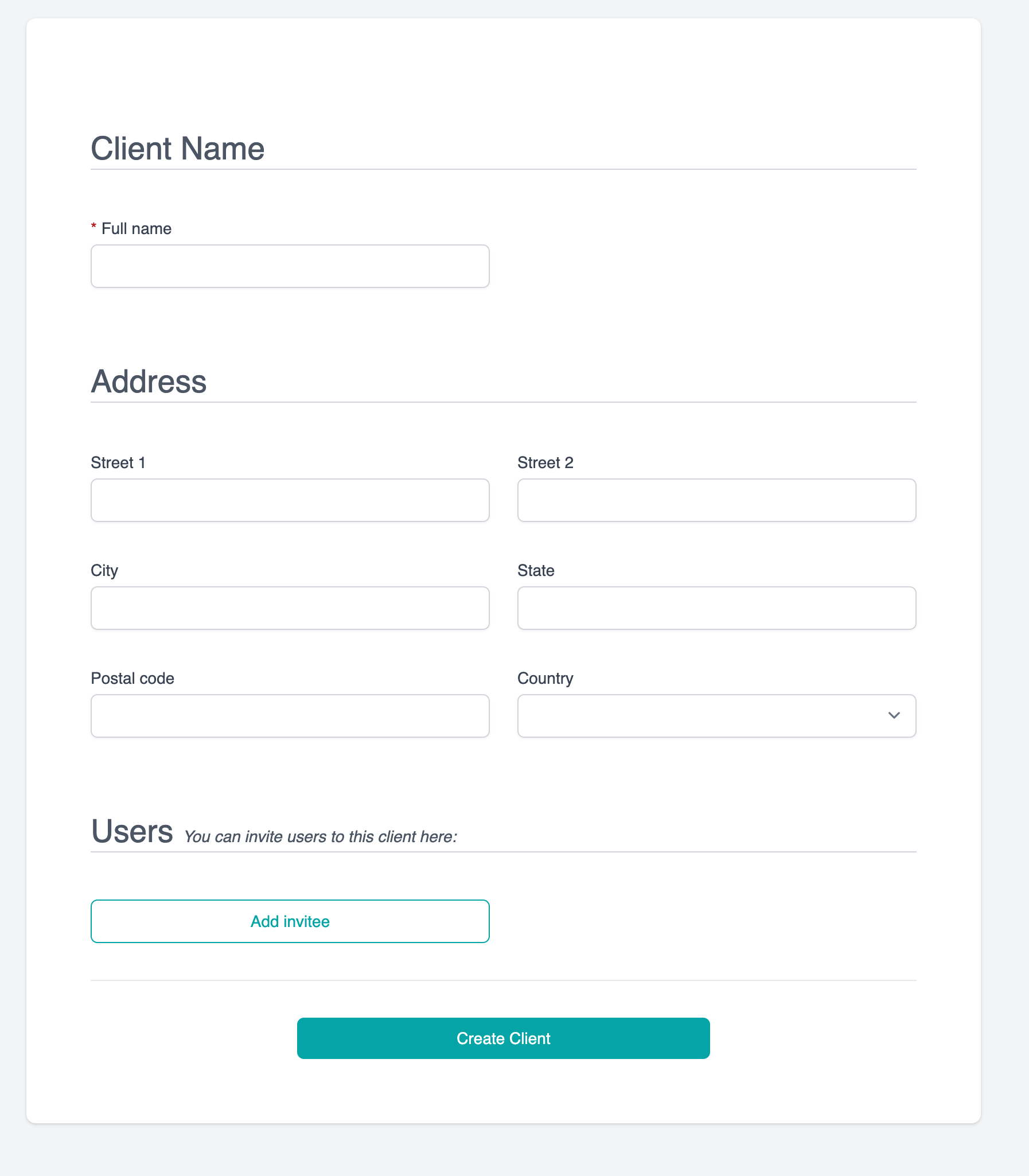
In the admin sidebar, go to Clients -> Add clients, where you’ll see this form:
Inviting more users to a client
Click “Add Invitee”, and add as many users to this client as you like. Each must have a unique email address.
When you save, an invitiation email will be sent to each user, asking them to accept the invitation and set a password for their account.
How do we handle deletes?
If a client is deleted, all the users, and all the linked files, are deleted.