Admins can see and search over all files from the Files tab in their primary navigation.
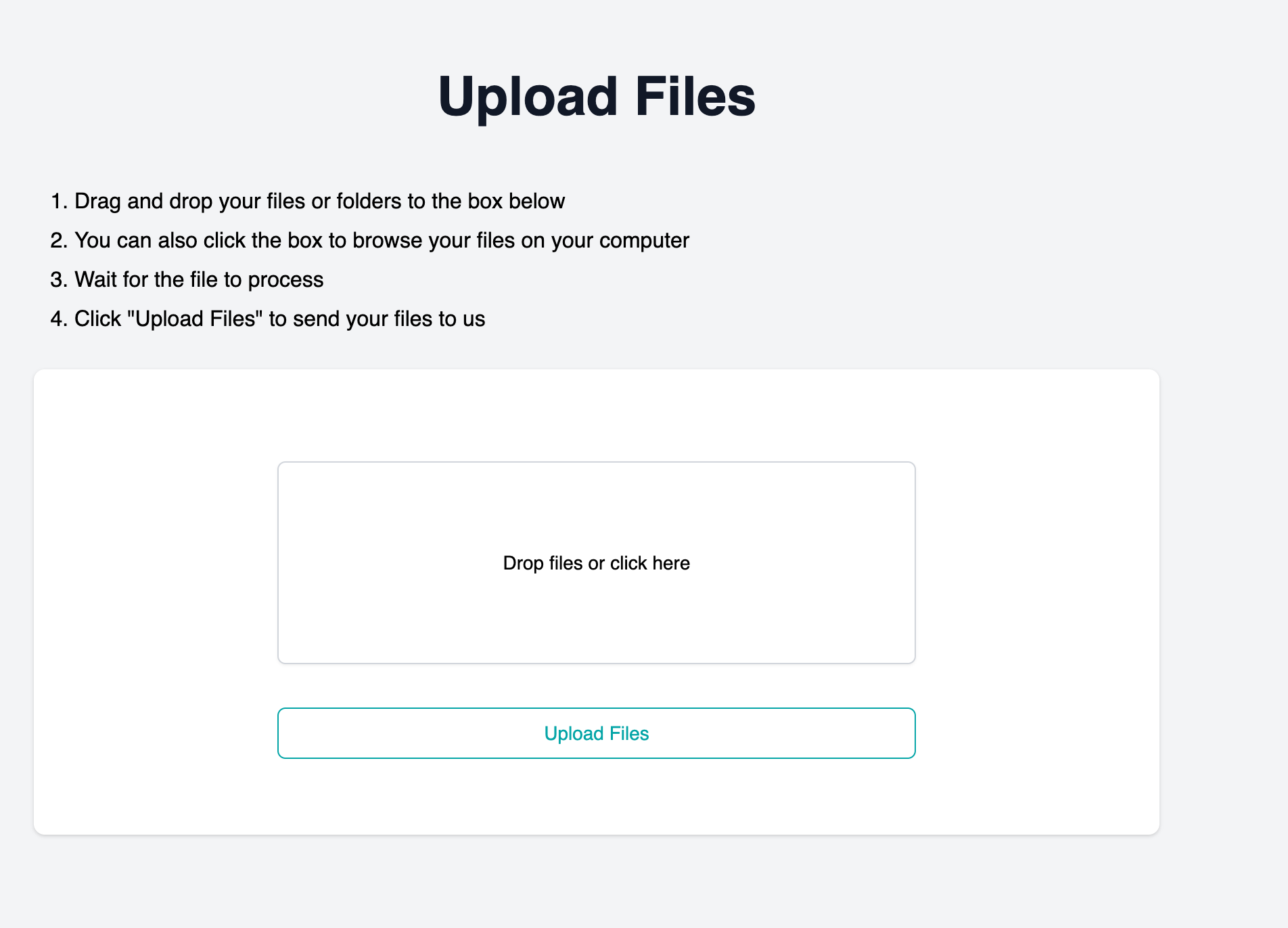
Users can drag and drop their files into the file upload box, or click in the box to access a file picker.
Note that users must take two actions: specify what file to upload, then click the ‘upload files’ button.
A user must be linked to a client account to upload files. This will always happen if a user is invited to the portal through the Client-Edit invitation workflow.
How do we handle deletes?
If a file is deleted, it is removed from the data store. There is currently no backup, so it is gone.
If a user uploads a file, and the user is deleted, the file remains owned by the client account. Other client users will be able to see and handle the file.
If a client is deleted, all the users, and all the linked files, are deleted.